Video Generation node
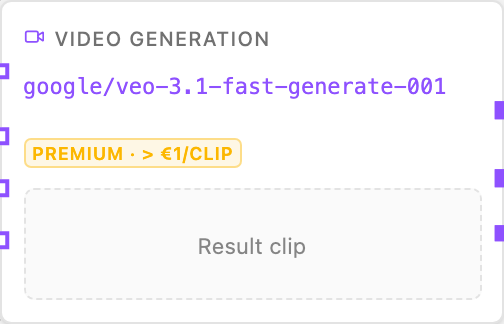
The Video Generation node produces a video clip from a text prompt using a dedicated video model (via Replicate).
Handles
| Handle | Purpose |
|---|---|
prompt | The text prompt describing the clip |
first | The starting frame (image) |
last | The ending frame (image) |
references | Reference images (image-to-video) |
Configuration
- Model — the video model (e.g.
minimax/video-01). - Aspect ratio — e.g.
16:9,9:16(where supported). - Resolution — e.g.
1280x720(where supported). - Duration — clip length in seconds (where supported).
- FPS — frames per second (where supported).
- Seed — deterministic output (where supported).
Important: model capabilities
Video models differ in what inputs they accept:
- MiniMax Hailuo (
minimax/video-01) — text + first frame + reference image. - Seedance 1 Pro (
bytedance/seedance-1-pro) — text/image-to-video, start and end frame, fps + seed. - Luma Ray 2 (
luma/ray-2-720p) — text + start/end image (no references). - Wan 2.1 (
wan-video/wan-2.1-1.3b) — text only.
The node warns — and the engine fails fast with an actionable message — when you wire references or frames into a model that cannot consume them.
Example — text + first frame
prompt: "A drone flyover of the coastline at golden hour"
first: <generated or uploaded image>
model: minimax/video-01
Story continuation
The node also emits the clip’s first and last frame as images, so a second
Video node can start where the first ended (wire First frame / Last frame source handles into the next node’s first/last targets).
Notes
- Video generation is premium — a single clip can cost over €1, and the node card shows a badge to warn you.
- Generated clips are saved to the node’s artifact history.
Related
- Merge Videos — concatenate clips.
- Image Generation — producing start/end frames.